Practical guide
How to Cancel a Gym Membership in Canada: Letter and Deadlines in Quebec and Ontario
Cancelling a gym membership in Quebec or Ontario: deadlines, fees, what the letter should say, and how to have Capycom mail it.
 Capycom
The sheet count decides the envelope size, the number of stamps and the price. Capycom's three ranges, the 30-sheet ceiling, and what Canada Post calls a standard letter.
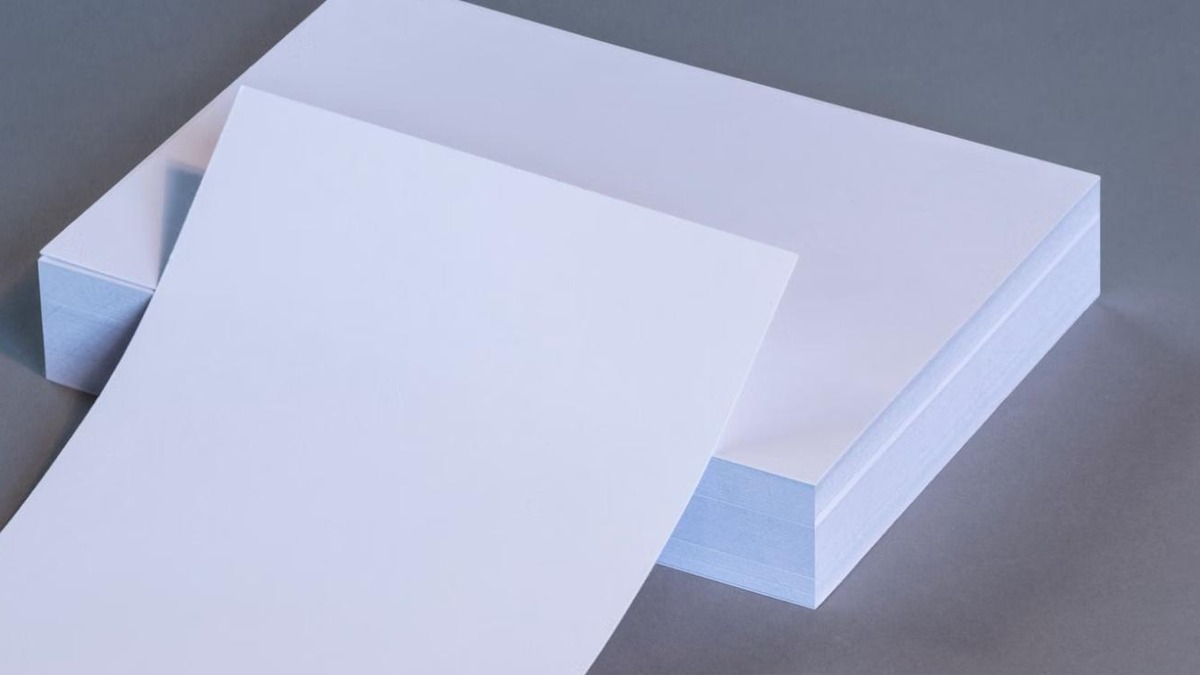
When you prepare a mailing on Capycom, one figure drives everything else: the number of printed sheets. It sets the envelope size, the number of stamps and the final price.
A two-page contract and a twenty-five-page file do not travel in the same envelope. Worth knowing before you finalise the document.
Capycom offers three sizes, each tied to a sheet count:
The ceiling is 30 sheets per mailing. Past that, the document has to be split into two letters.
That ceiling is not arbitrary. Canada Post defines a standard letter by three measurements and a weight: 245 mm long, 156 mm wide, 5 mm thick, 50 g at most.
Cross any one of those and the item moves into the non-standard or oversize category, which runs up to 380 mm by 270 mm by 20 mm and 500 g, at a higher postage rate. Thickness is usually the first limit to go, and thickness is the sheet count.
Count your pages once the document is finished. A signature added at the last minute or a cover page is enough to tip a mailing from one envelope into the next.
Group what goes to the same recipient. Two five-page documents in a single mailing cost less than two separate ones, as long as the total stays under the ceiling.
Stay in black and white when colour adds nothing. Colour printing is charged per sheet and costs more than black and white, and on an administrative document it changes nothing about the weight the letter carries.
Worth knowing: the summary screen shows the breakdown before payment, sheets, envelope, stamps and total. That is the moment to check, not after.
The rest is short. You write your letter in the online editor or import a document you already have, a PDF for instance. You pick the recipient, then the sender, with the address book saving you from retyping details you have used before. You land on the summary, you check it, you pay.
We take it from there: printing, folding, stuffing the envelope, postage and drop-off with Canada Post as a standard letter. A few minutes on screen, no trip anywhere, no ink cartridge to buy.
Past 30 sheets, cut in the right place rather than at random. A file sent in two parts reads better if each part is complete, with its own cover page. Number the parts: your recipient will know one is missing if the two letters do not arrive on the same day.
Source: Canada Post, Lettermail dimensions, consulted on 11 September 2026.
Illustration: sheets of paper, photo by Brando.ltd, free licence via Pexels.
Practical guide
Cancelling a gym membership in Quebec or Ontario: deadlines, fees, what the letter should say, and how to have Capycom mail it.

Practical guide
Refund request letter for Canada: evidence to gather, what to write and where to turn if the store refuses. Mail it with Capycom, no stamps needed.
Practical guide
What goes in a demand letter, what deadline to give and how to mail it in Canada. A free template on Capycom, filled in with three questions.