Practical guide
How to Cancel a Gym Membership in Canada: Letter and Deadlines in Quebec and Ontario
Cancelling a gym membership in Quebec or Ontario: deadlines, fees, what the letter should say, and how to have Capycom mail it.
 Capycom
After a birth, there are three ways to apply for the Canada Child Benefit. The RC66 form is still needed by mail in four specific cases.

A baby is born, and the Canada Child Benefit is not paid automatically. Parents in Canada have three ways to apply with the Canada Revenue Agency: automated registration at birth, My Account online, or the paper RC66 form mailed in. The right choice depends on the province, the family situation, and how old the child already is when the application is made.
In most provinces and territories, a CCB application can be filed right on the birth registration form, at the hospital or birth centre. Parents consent to have their province share the information with the Canada Revenue Agency, enter their Social Insurance Number, and have nothing else to send: the province supplies the proof of birth itself. The agency says it will issue a first notice or payment within eight weeks through this route. The service is not offered in Nunavut.
A parent already registered with My Account can apply for the CCB under Benefits and credits, in the Child information section. Three short sections to fill in, a confirmation to keep, and documents to provide if the agency later asks for them.
The paper RC66 form is still needed when neither of the above applies.
The RC66 collects the Social Insurance Number, or a temporary one if none yet, the address, marital status, and details on up to two children: name, sex, date and place of birth. A third child or more goes on form RC66-1 or a separate attached sheet. The signature attests the answers are accurate: a false statement is a serious offence. Once signed, the form goes to one of the three tax centres of the Canada Revenue Agency, in Winnipeg, Sudbury or Jonquiere, depending on the applicant's province.
Worth knowing: proof of birth is only required for an online or mailed application where the Canada Revenue Agency has never paid a benefit for that child. It is not needed for automated registration, since the province sends it directly.
Capycom offers a free letter template for the RC66 form: a few guided questions about the household, marital status and children, then a form ready to sign. Once signed, Capycom prints it, seals it in an envelope, stamps it and mails it anywhere in Canada, with no printer and no trip to the post office. To try it, head to capycom.ca/modeles-lettres.
Canada Revenue Agency, How to apply
Canada Revenue Agency, Automated Benefits Application
Canada Revenue Agency, Form RC66
Canada Revenue Agency, tax centre addresses
Photo: RDNE Stock project, Pexels.
Practical guide
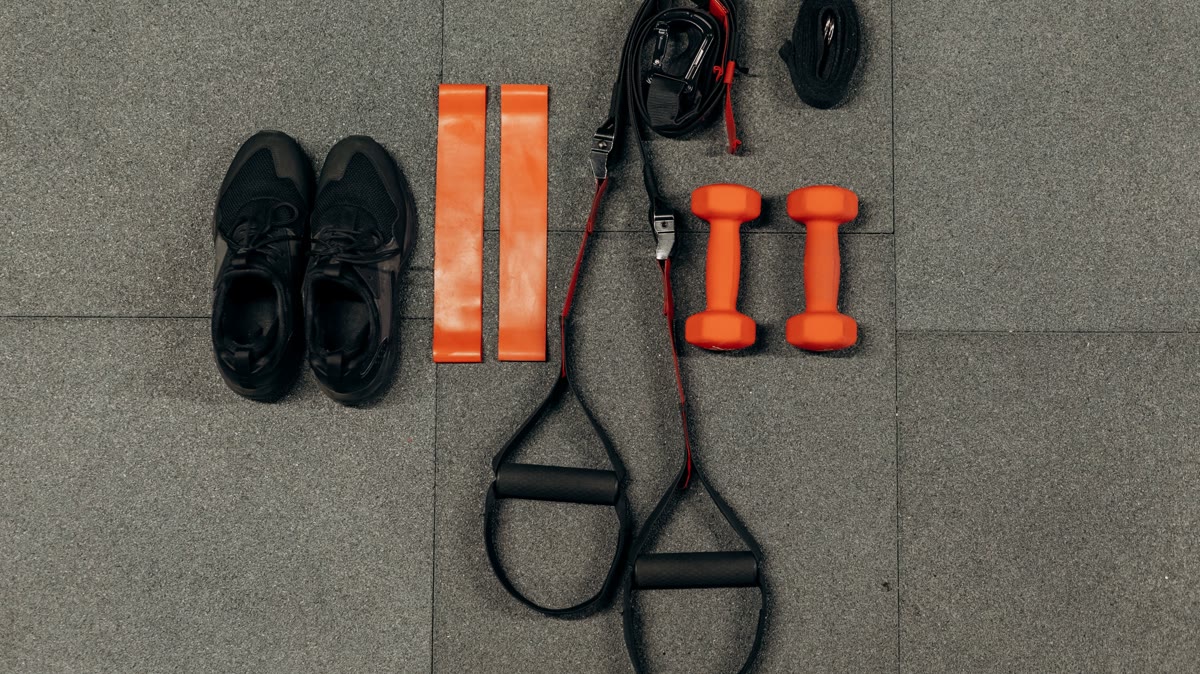
Cancelling a gym membership in Quebec or Ontario: deadlines, fees, what the letter should say, and how to have Capycom mail it.
Practical guide
Refund request letter for Canada: evidence to gather, what to write and where to turn if the store refuses. Mail it with Capycom, no stamps needed.
Practical guide
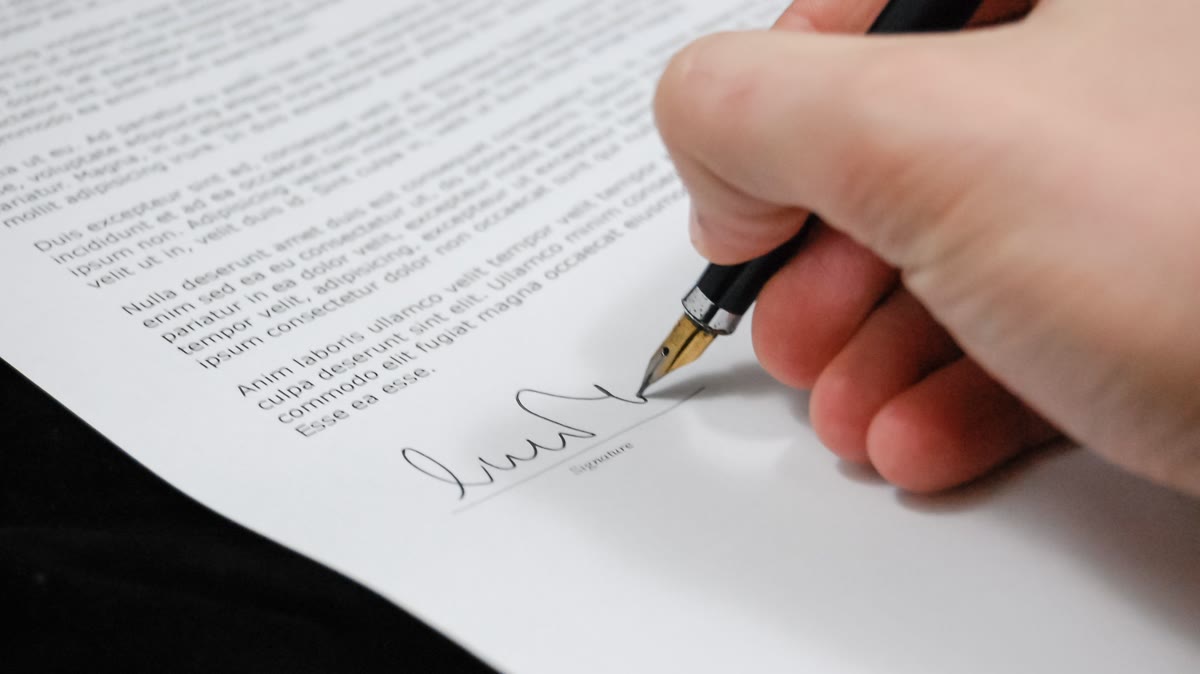
What goes in a demand letter, what deadline to give and how to mail it in Canada. A free template on Capycom, filled in with three questions.